 Talk to a human
Does Shop Pay Actually Increase Your Conversion Rate?

Pretty much every Shopify store I open for the first time has the same thing sitting dead center on the product page.
Big purple button. "Buy with Shop Pay." Sitting right next to Add to Cart, sometimes above it.
Nobody chose to add it. It comes with the theme.
But everyone seems to assume Shopify or the theme developer already did the research, and that having it there must be the right call.
I've never been totally sure if that assumption holds up. So I went and checked, quickly, and then spent most of my time on the thing that actually matters more: what you can control about this button, and how to set it up properly on your own store.
Short version on the "does it work" question. The number Shopify uses in its own marketing doesn't hold up to much scrutiny. But that's not really the point of this post.
Here's the real question worth fifteen minutes of your time: what are your actual options for this button, and how do you configure it so it helps instead of getting in the way.
Does it actually help? The short, honest answer
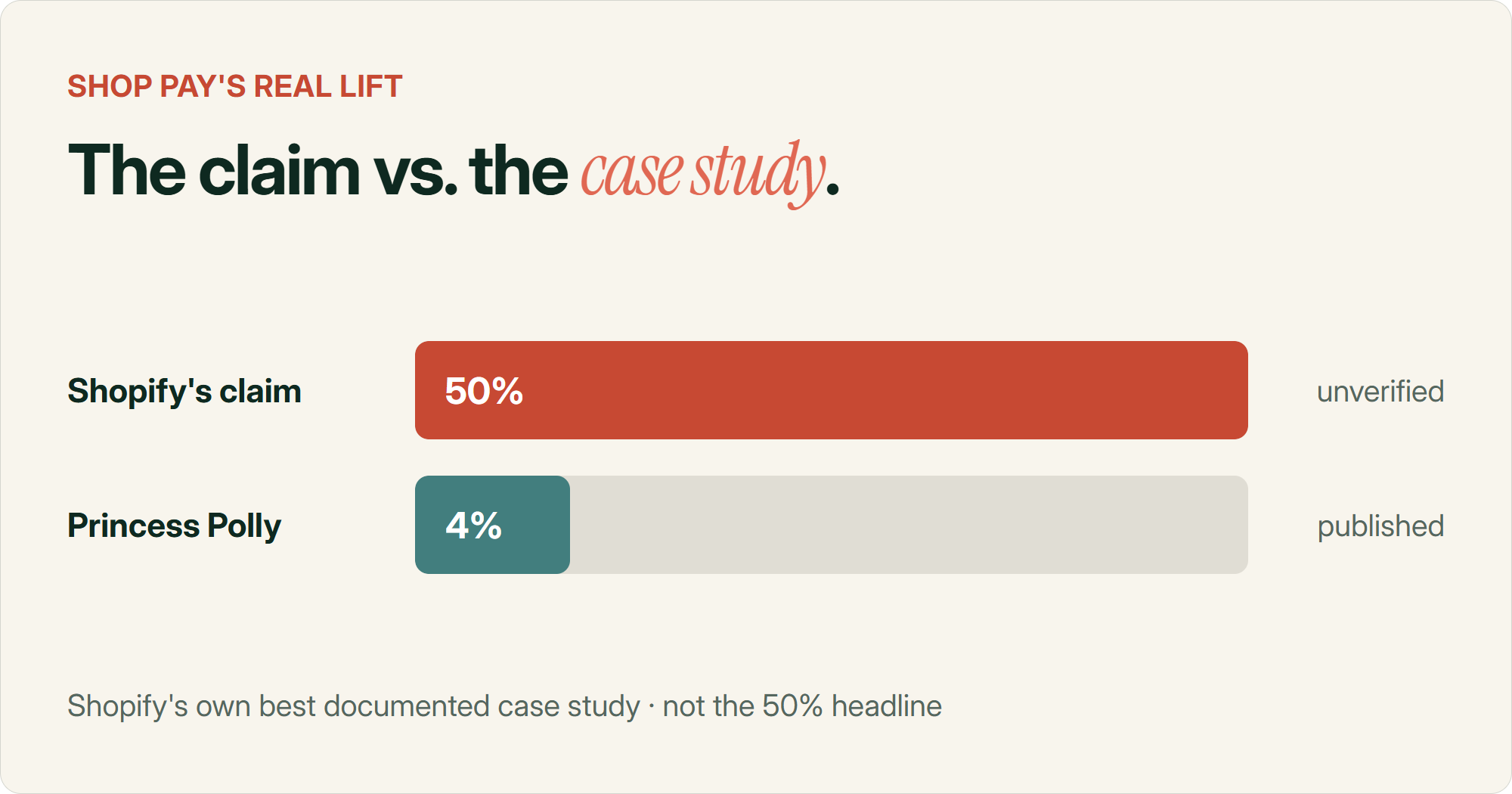
Shopify's own blog claims Shop Pay lifts conversion by up to 50% compared to guest checkout. I went looking for the study behind that number. It's attributed to an unnamed consulting firm, with no published methodology, sample size or control group.
The most transparent real result I could find is Shopify's own case study on Princess Polly. Named merchant, four week test, real numbers. Conversion went up 4.1% for shoppers who already had a Shop Pay session, and closer to 1 to 1.6% store wide. That's the honest number. Not 50%.
50% Shopify's marketing claim, unpublished methodology1-4% Actual lift in Shopify's own best documented case study
For what it's worth, the closest independent data point is Baymard Institute's research on wallet buttons generally (Apple Pay, Google Pay and similar), which puts realistic lift at 8 to 19%. Still real, still nowhere near 50%, and not specific to Shop Pay.
OK. Number's out of the way. Let's get into what actually matters, which is what you do with the button sitting on your store right now.
Where you can actually put it
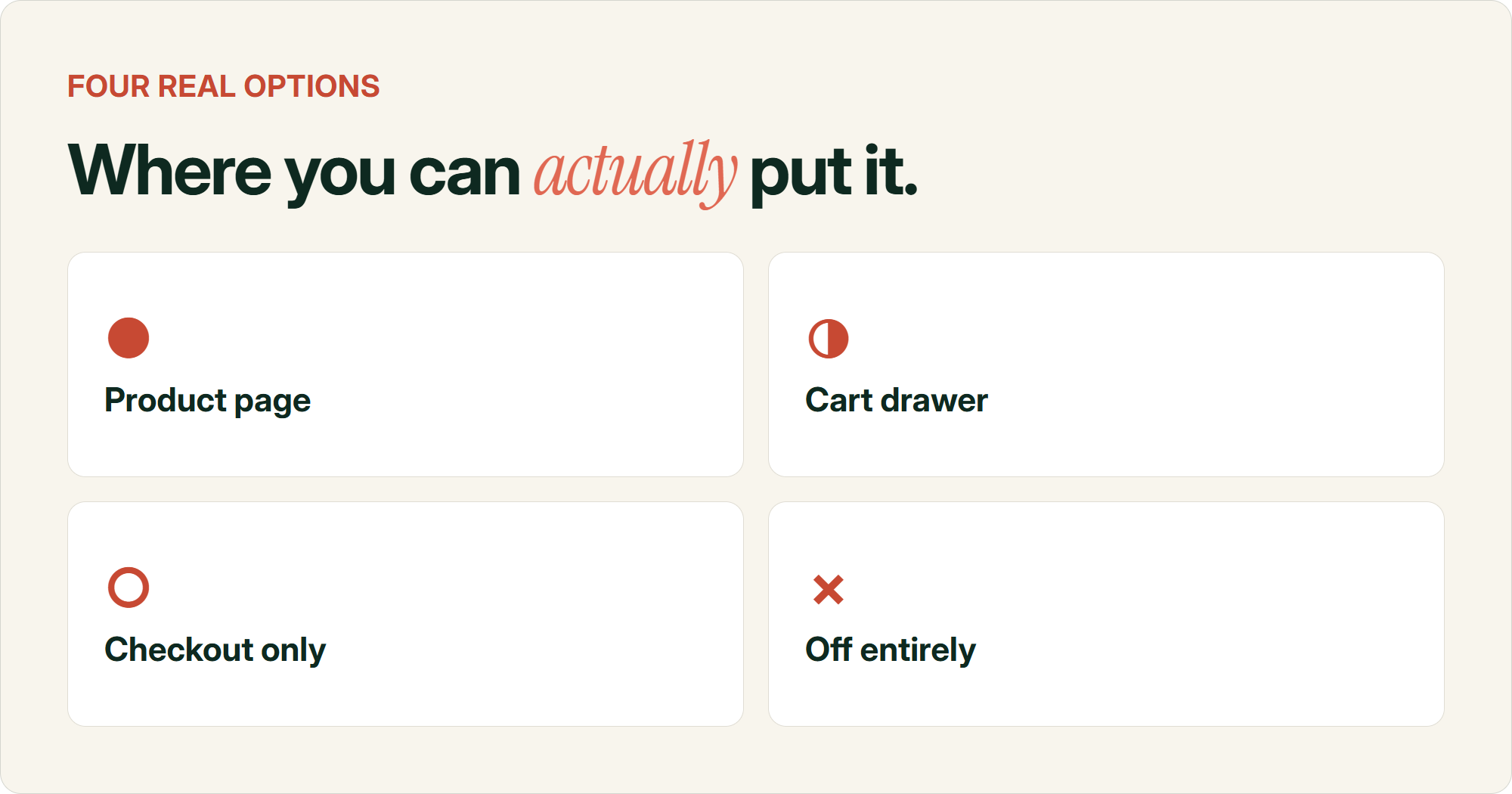
Shop Pay isn't an all-or-nothing setting. You've got four real placement options, and most stores never touch the defaults enough to realise that.
Product page. This is the default most themes ship with. It's the loudest option because it competes directly with your Add to Cart button for the same click.
Cart drawer or cart page. Shows once someone's already committed to at least one item. Less competition with your primary CTA, more relevant timing.
Checkout only. Shop Pay still works as a payment method at checkout even if you hide the dynamic button everywhere else. This is what most of the "hide the button" community threads are actually asking for, not removing Shop Pay, just not showing it early.
Off entirely. Some stores turn it off altogether, usually after running into the Afterpay conflict I'll get to below.
The toggle lives in your theme editor, under the Buy Buttons block settings, as "Show dynamic checkout button." Shopify's own docs cover the setting, though the reality is most theme developers leave it checked by default and most merchants never look.
How to hide or demote it without losing it at checkout
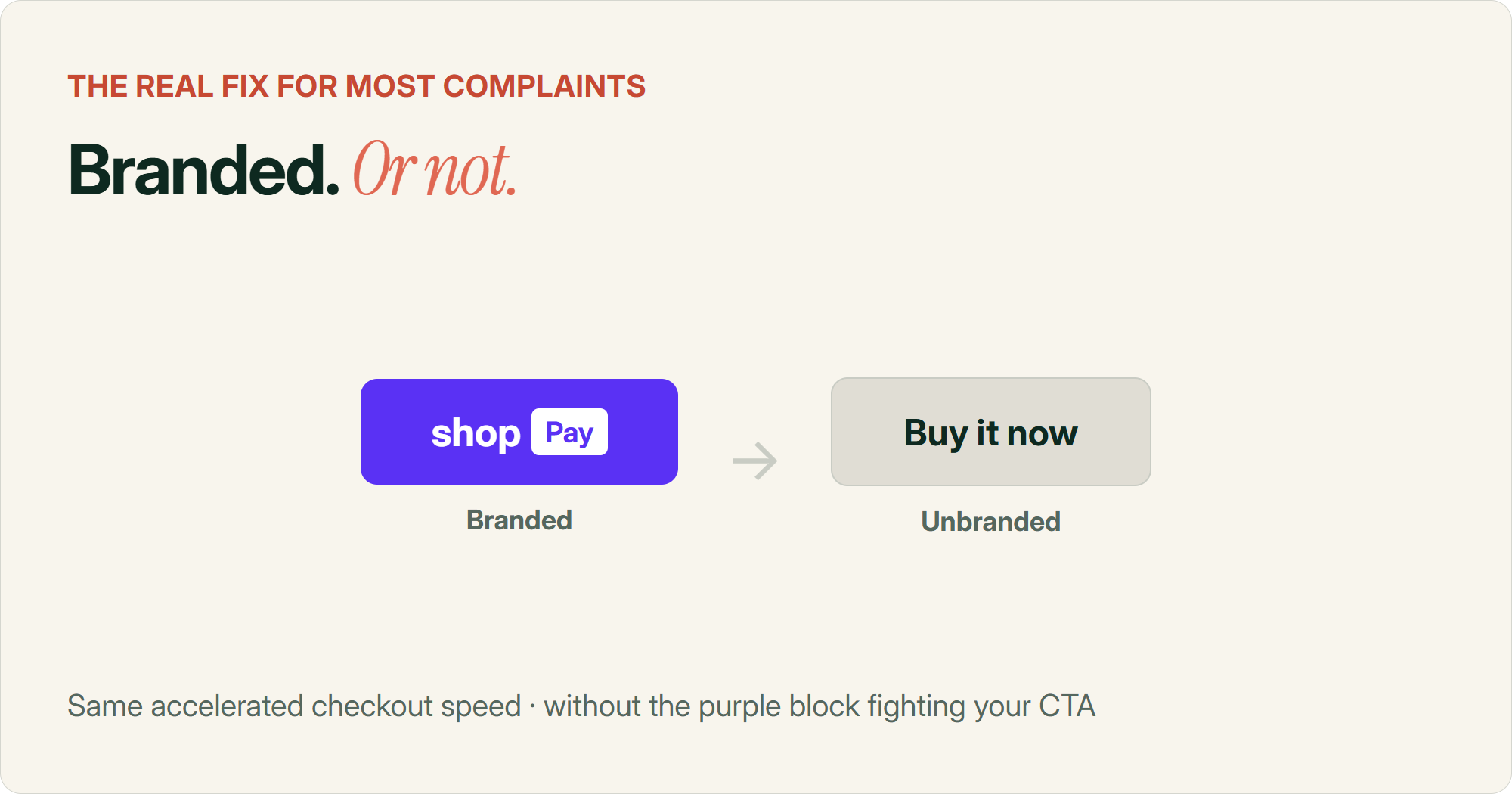
If you want Shop Pay gone from the product page but still available as a payment method at actual checkout, that's a two-step job, not a delete.
Step one is the native toggle mentioned above. Unchecking "Show dynamic checkout button" in the Buy Buttons block removes the accelerated checkout row from the product page and cart, while leaving Shop Pay (and Apple Pay, Google Pay, whatever else you've enabled) fully available once someone reaches actual checkout.
Step two, if you want a "Buy Now" style button on the product page without it being purple and branded, is a bit more involved. There's a documented theme code technique for swapping the dynamic checkout button for a static button that routes to checkout without pre-selecting a payment method. It's not a toggle, it's a small theme edit, so get a developer to touch it if you're not comfortable in Liquid.
There's also a specific "always unbranded" request that comes up constantly in Shopify's community forums. Merchants don't necessarily want Shop Pay gone. They want it to stop being a loud purple block that clashes with their branding. If your theme supports it, this is worth doing before you consider removing the button altogether. A neutral "Buy it now" button that still routes through the same accelerated checkout flow keeps the speed benefit without the visual clash.
What actually matters
The complaint behind most "hide Shop Pay" requests isn't really about Shop Pay. It's about a branded purple block competing for attention with your actual Add to Cart button. Demoting it in size, position or branding usually solves the real problem without losing the feature.
The one bug worth checking before you touch anything else
Before you spend time on placement or branding, check this one thing if your store offers Afterpay or Klarna alongside Shop Pay.
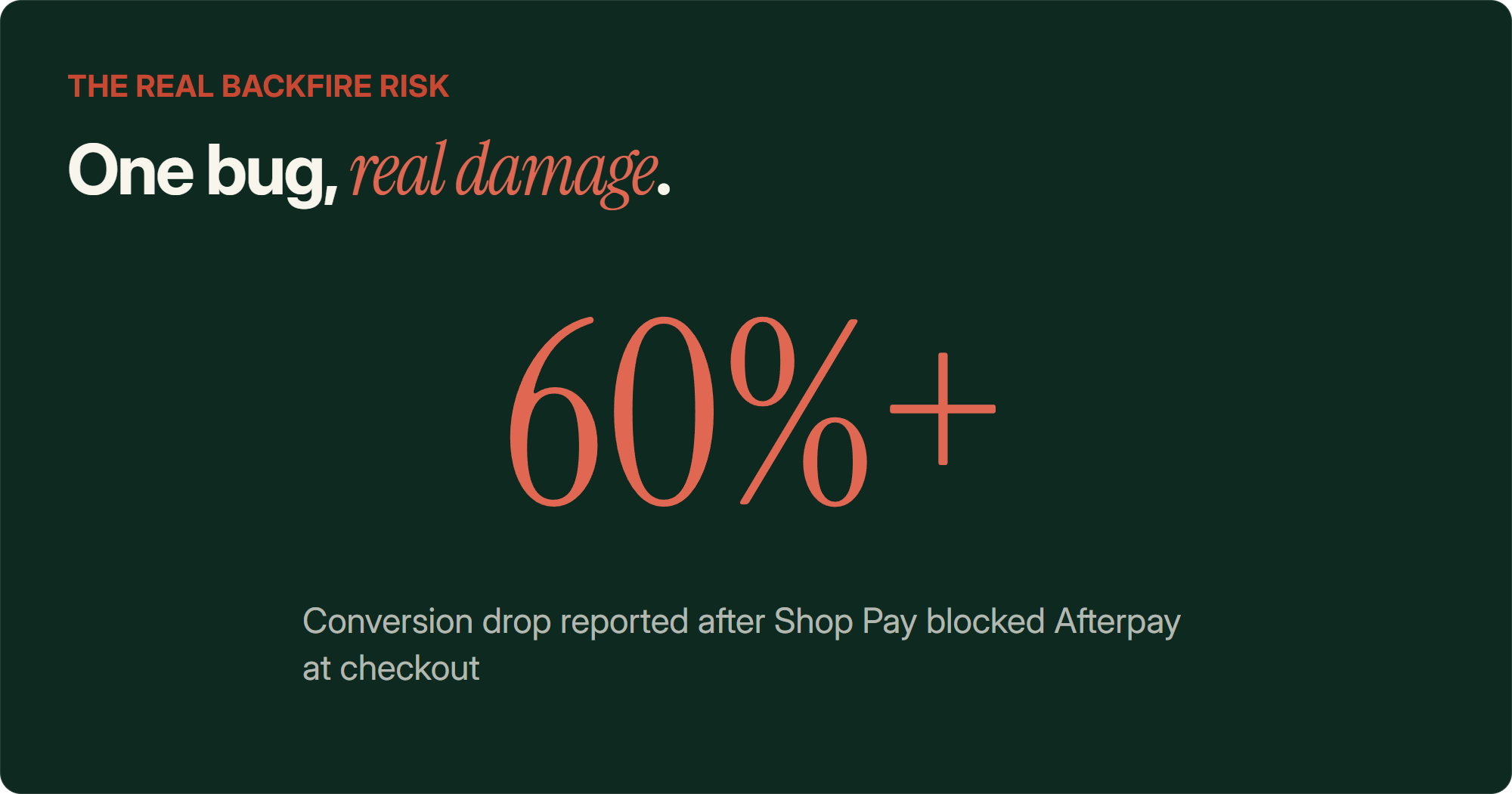
There's a Shopify Community thread running since April 2022, still active, describing a real checkout bug. A customer starts checkout through Afterpay, Shop Pay intercepts with a verification code prompt, and once that code's entered, checkout switches to Shop Pay and Afterpay quietly disappears from the payment options.
One merchant in that thread reported a conversion drop of over 60%, reversed after disabling Shop Pay entirely.
If your store leans on a buy now pay later option, walk through that specific flow yourself as a customer would before you do anything else on this list. If you hit the same behaviour, disabling the dynamic checkout button (or Shop Pay altogether) is the documented workaround until Shopify fixes it.
How to actually test it on your store
Whatever you land on, don't just take a blog post's word for it. Test it, because the honest answer to "does this help" is that it depends heavily on your specific store.
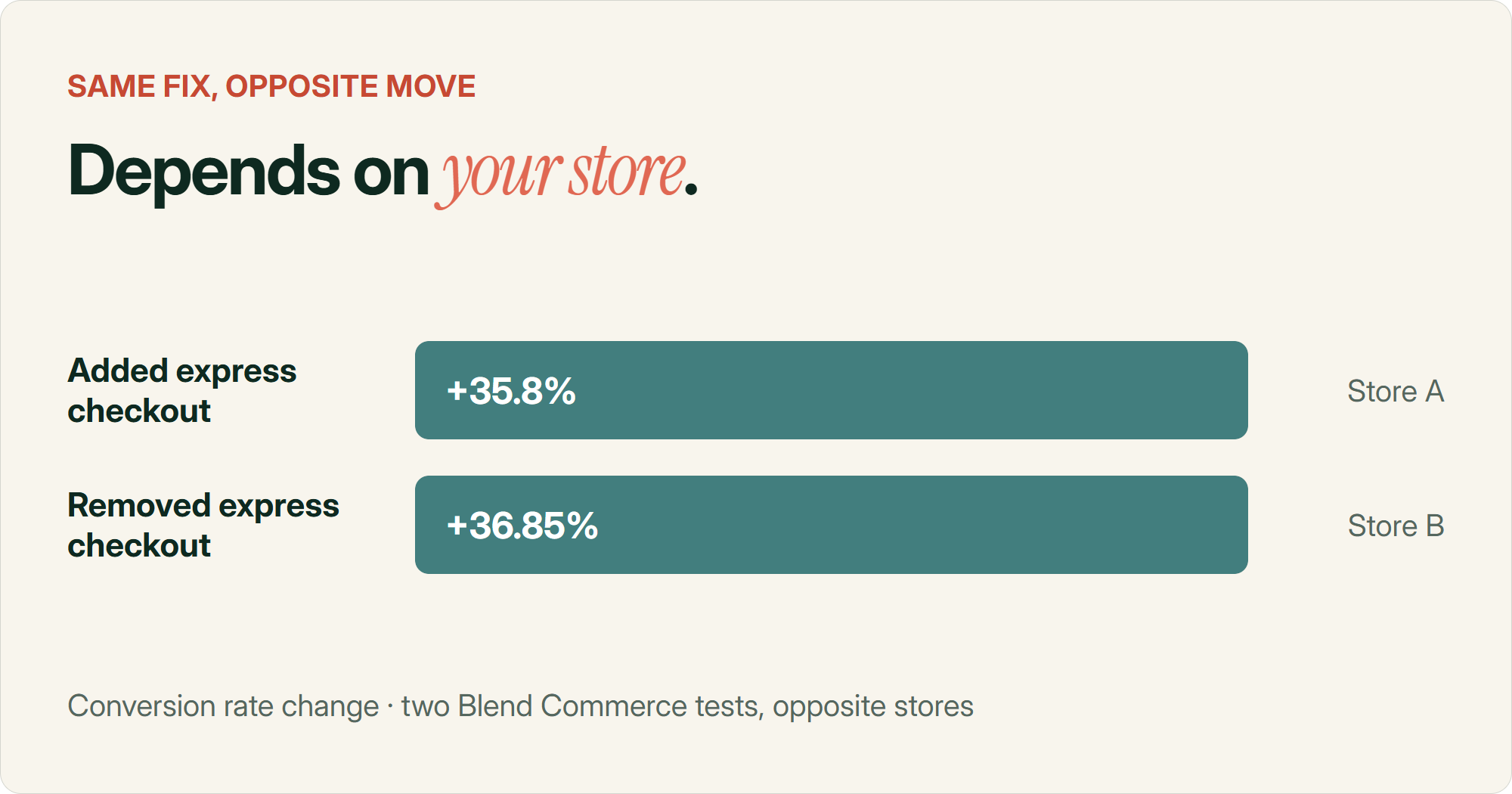
Two agency tests from Blend Commerce show both sides of this on real stores. Adding express checkout to a cart drawer on one store lifted conversion 35.8%. Removing express checkout from a cart drawer on a different store lifted conversion 36.85%, because that store's customers barely used Apple Pay or Google Pay to begin with, so the buttons were mostly clutter nobody used.
Before you run any test, check your actual payment method usage first. If Apple Pay and Google Pay usage is under 10% of your checkouts, an express checkout row is mostly dead weight regardless of what you do with Shop Pay specifically. That number alone tells you more than any blog post will.
Once you know your baseline, this is basically the same groundwork covered in picking A/B tests that actually move revenue, worth a read if you haven't set up a proper test on your store before.
What I'd actually do
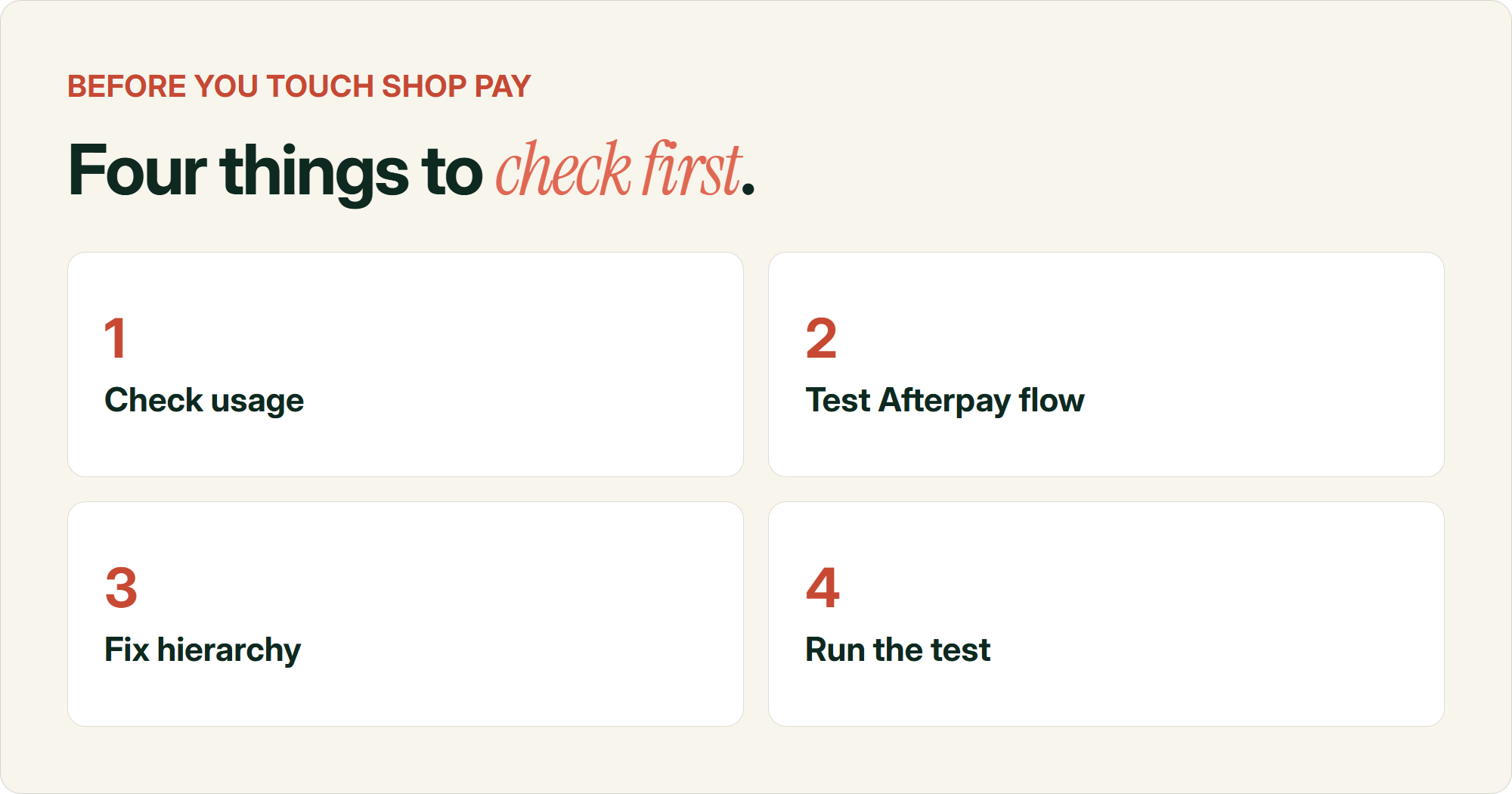
If you're running a store that's never had anyone go through the checkout configuration properly, here's roughly where I'd start.
Check your Afterpay or Klarna flow first if you run either alongside Shop Pay. That's the one bug that can actually tank conversion, not just annoy people.
Look at your actual wallet adoption rate before deciding on placement. If it's low, the product page button is dead weight.
Keep one visually dominant button on the product page. If Shop Pay stays, make it clearly secondary, either through the native toggle, an unbranded style, or moving it to the cart instead.
And test it properly, the same way you'd test anything else that touches your add to cart rate. If your checkout is already leaking money for other reasons, fix that first. Your store's customers aren't the same as Princess Polly's, or Blend Commerce's client, or anyone else's.
Common questions about configuring Shop Pay
Does Shop Pay increase Shopify conversion rate?
Real world evidence points to a lift somewhere between 1 and 4%, concentrated mostly among shoppers who already have a Shop Pay account, not the 50% Shopify's marketing claims. It's a modest, real effect rather than a dramatic one, and it depends heavily on your store's setup.
How do I hide the Shop Pay button on my product page?
Uncheck "Show dynamic checkout button" in your theme editor's Buy Buttons block. This removes it from the product page and cart while leaving Shop Pay fully available as a payment method at actual checkout.
How do I make the Shop Pay button match my theme instead of purple?
Shopify calls this making the button "unbranded." Some themes support a neutral "Buy it now" style natively, others need a small theme code change. It keeps the accelerated checkout speed without the branded purple block clashing with your site.
Can I show Shop Pay on mobile only and hide it on desktop?
Yes, this is a common configuration merchants ask for and it's achievable with a CSS or Liquid tweak targeting the dynamic checkout button by device. It's a developer task rather than a theme editor toggle.
Why does Shop Pay sometimes block Afterpay at checkout?
A documented Shopify bug causes Shop Pay to intercept checkout with a verification code prompt. Once that code is entered, other payment methods including Afterpay can disappear from the options. One merchant reported a conversion drop over 60% tied to this, reversed after disabling Shop Pay.
Where should the Shop Pay button go for the best conversion?
There's no single answer that works for every store. Product page placement tends to suit mobile heavy, high AOV single item stores, while cart page placement suits multi item or subscription brands. Test it against your own store's actual payment method adoption rather than assuming either is correct.
Sources
- Shop Pay: The Best-Converting Accelerated Checkout on the Internet — Shopify
- Princess Polly Shop Pay case study — Shopify
- Payment UX: Research-Backed Standards for Ecommerce Checkouts — Baymard Institute
- Accelerated checkout theme docs — Shopify
- Hide Buy with Shop Pay button, but keep the option there at checkout — Shopify Community
- Show Dynamic Checkout Button as Always Unbranded — Shopify Community
- Shop Pay Hijacks Checkout and Blocks Afterpay as a Payment Option — Shopify Community
- 15 A/B Test Ideas to Improve Ecommerce Conversions — Blend Commerce